
15 Email Popup Examples to Grow Your Email List Fast (2026)
Last updated on
by
You already know email popups work. The question that actually keeps you up at night is narrower: what does a popup that converts look like, and how do I build one without annoying the people I want to subscribe?
This guide answers that with 15 real email popup examples, grouped by what you want people to do: subscribe, claim an offer, grab a resource, or share feedback. Each one is a real OptinMonster template, with the design choices that make it work and, where we have one, a real result from a customer who ran that kind of campaign. Steal the parts that fit your site and skip the rest.
What Is an Email Popup?
An email popup is a website message that appears in a focused window and asks a visitor for their email address, usually in exchange for something valuable like a discount, a guide, or early access. Popups can trigger on entry, after a set time, at a scroll depth, or the moment a visitor moves to leave.
Done well, they are the best list-building tool you have, because they turn traffic you already paid for into subscribers you can reach again for free.
15 Email Popup Examples (Grouped by Goal)
Every example below is a real OptinMonster template. Open the same one, edit the copy and colors, and you have the popup you are looking at. They are grouped by what you want the popup to do.
Newsletter and Blog Signup Popups
The simplest ask on the list: your content in exchange for an email. These win on clarity, not cleverness.
1. Subscribe to Newsletter (Light)
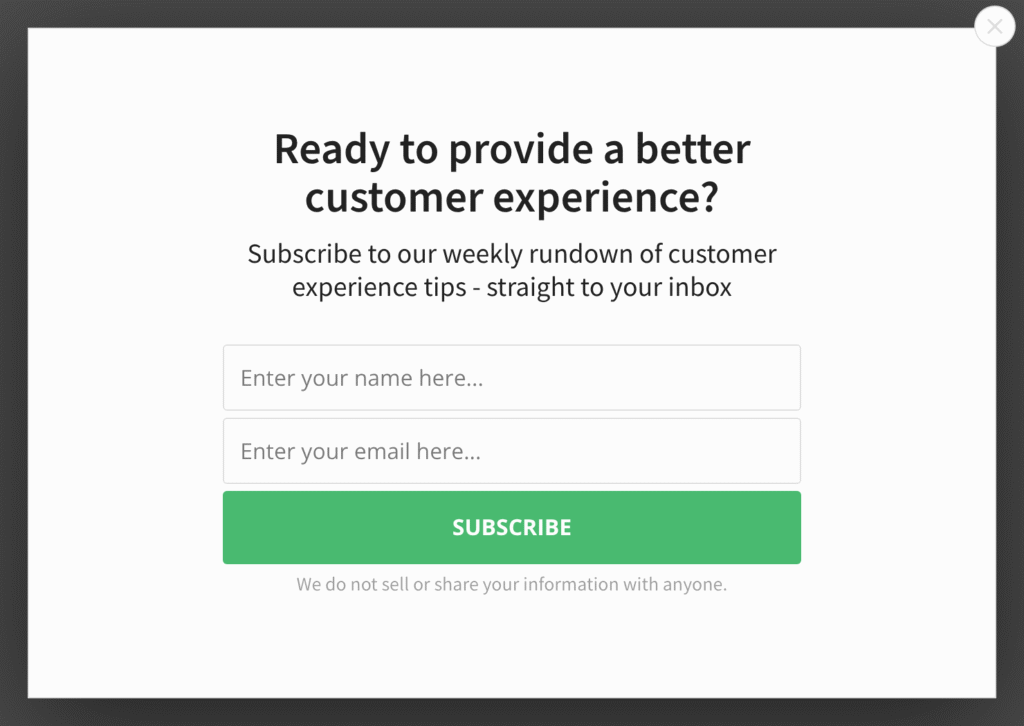
A clean headline, one field, one button. The design does one job and does not hedge, which is exactly why it converts. Social Media Examiner used exit-timed newsletter popups to add 95,654 subscribers in seven months.
2. Subscribe to Newsletter (Dark)
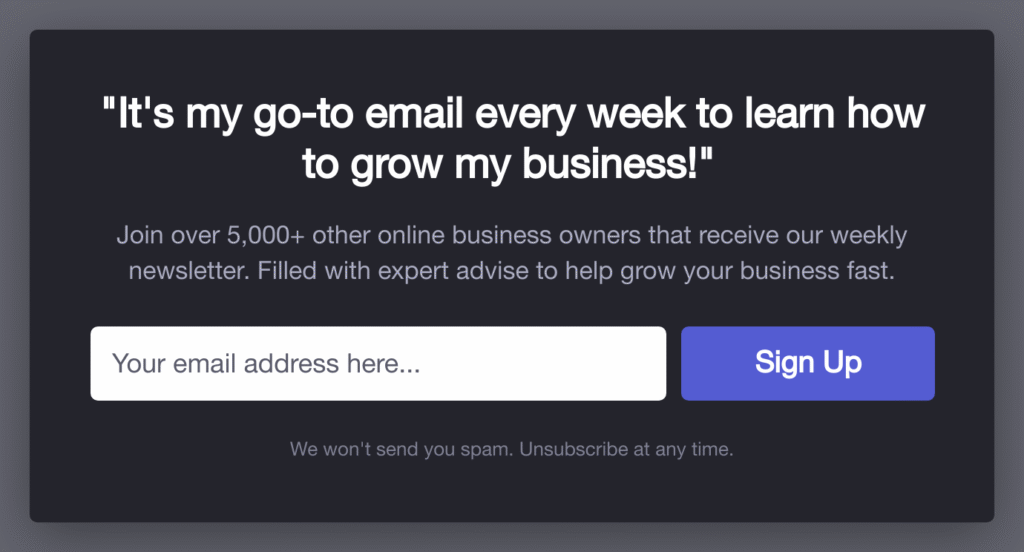
The same structure with a dark, high-contrast frame that stands out on image-heavy and photography sites. Michael Hyatt doubled his opt-in rate after adding a popup like this and, in his words, has not had a single complaint.
3. Subscribe to Fashion News
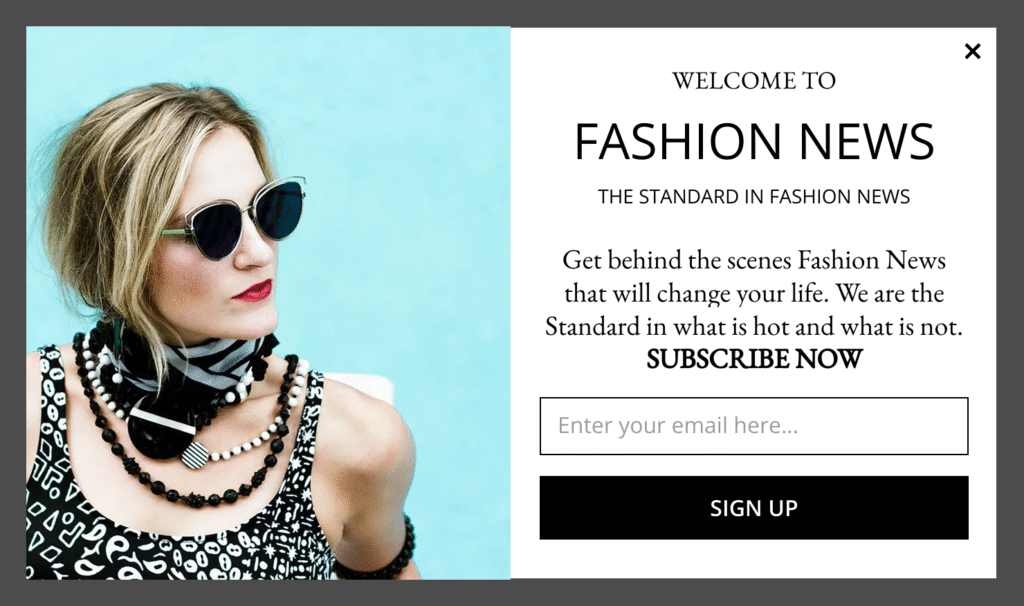
An on-brand newsletter popup for a specific niche. The lesson to steal: match the imagery and voice to the audience so the popup reads as part of the site, not an ad dropped on top of it.
4. Grow Your Blog Traffic
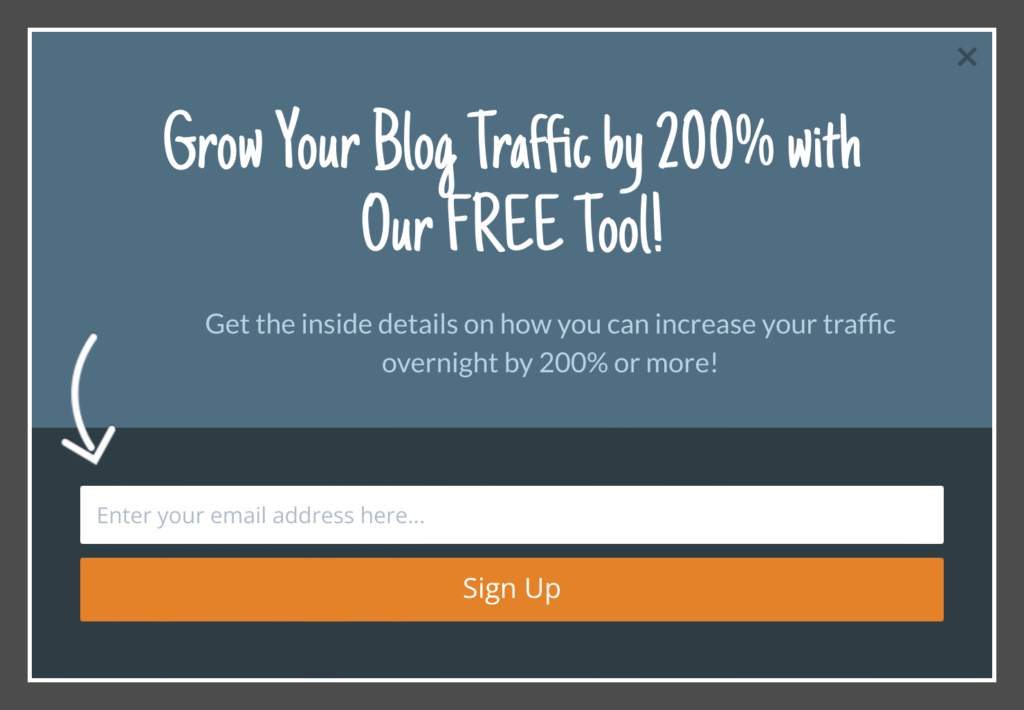
Point the offer at new posts instead of a generic list. RazorSocial added content-upgrade popups to its posts and saw a 520% lift in conversions.
Discount and Coupon Popups
For ecommerce, a discount is the fastest way to turn a browser into a subscriber and a first-time buyer. Keep the offer specific and the decline option light.
5. Get a Discount Code
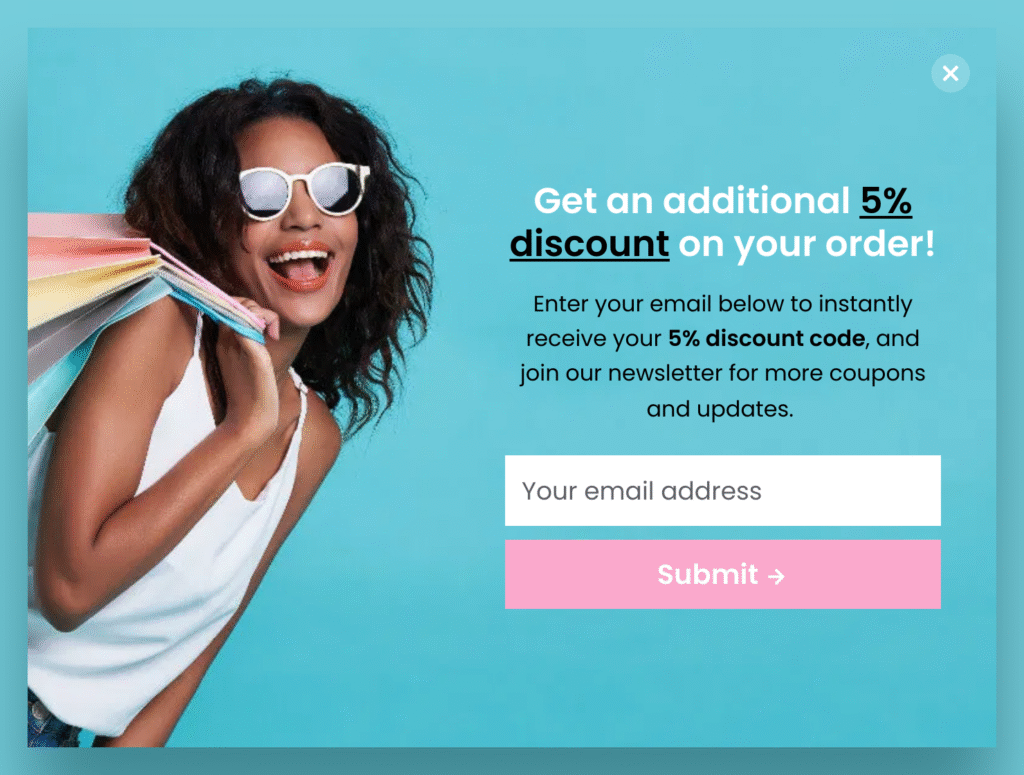
A single offer, a bold image, and a decline link that keeps the tone playful (“No thanks, I don’t like saving money”). Discount popups like this are how Kennedy Blue answered price objections directly and lifted sales by 50%. Switch on Exit-Intent® Technology and it only appears as a shopper moves to leave, the same trigger SnackNation used to recover 38.5% of abandoning visitors. For more, see our exit-intent popup examples.
6. Get a Coupon Code
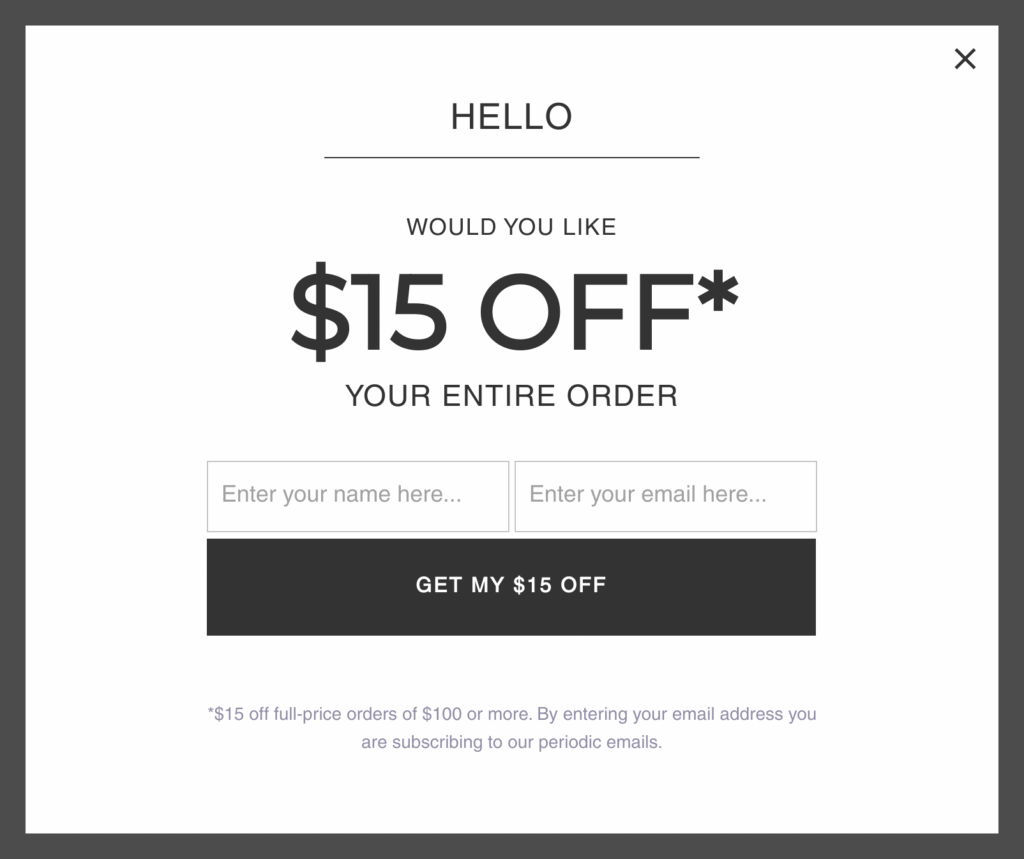
A reveal-the-code layout that makes the visitor feel like they unlocked something. The code lands in their inbox, which is the real point: you now have the email.
7. Coupon for Discount
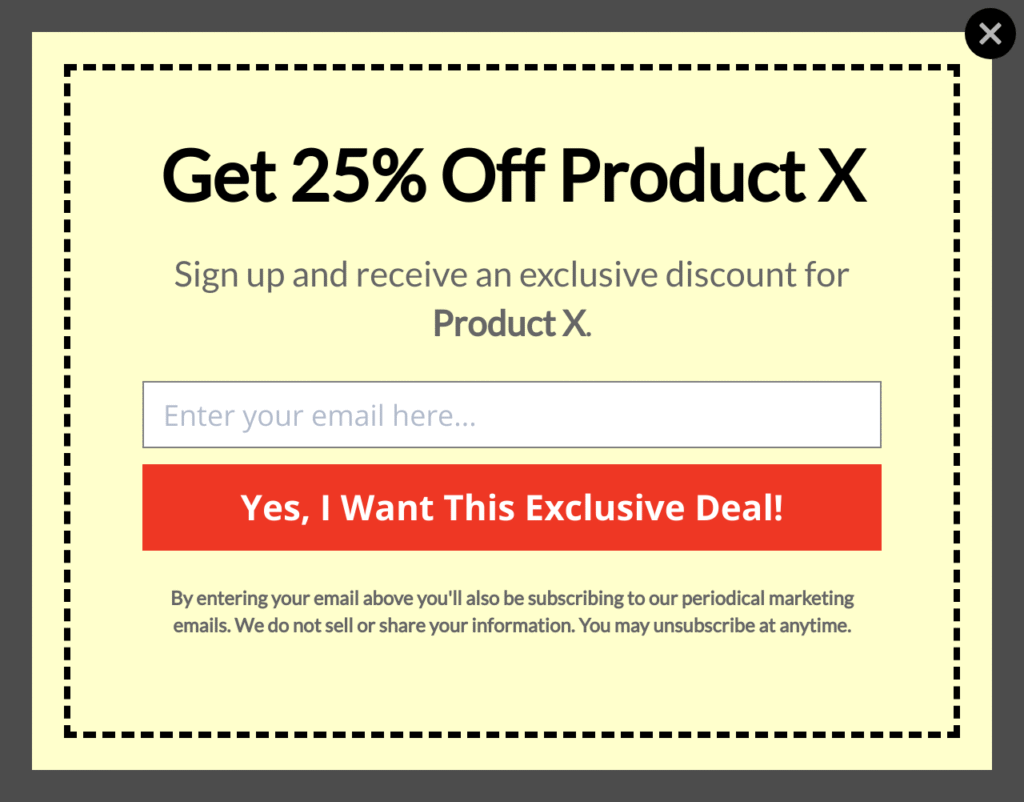
A bolder, promotion-forward take for a sale or seasonal push. Kampanjjakt, Sweden’s largest voucher site, increased subscribers by 800% with a coupon popup refined through A/B testing.
8. Free Shipping
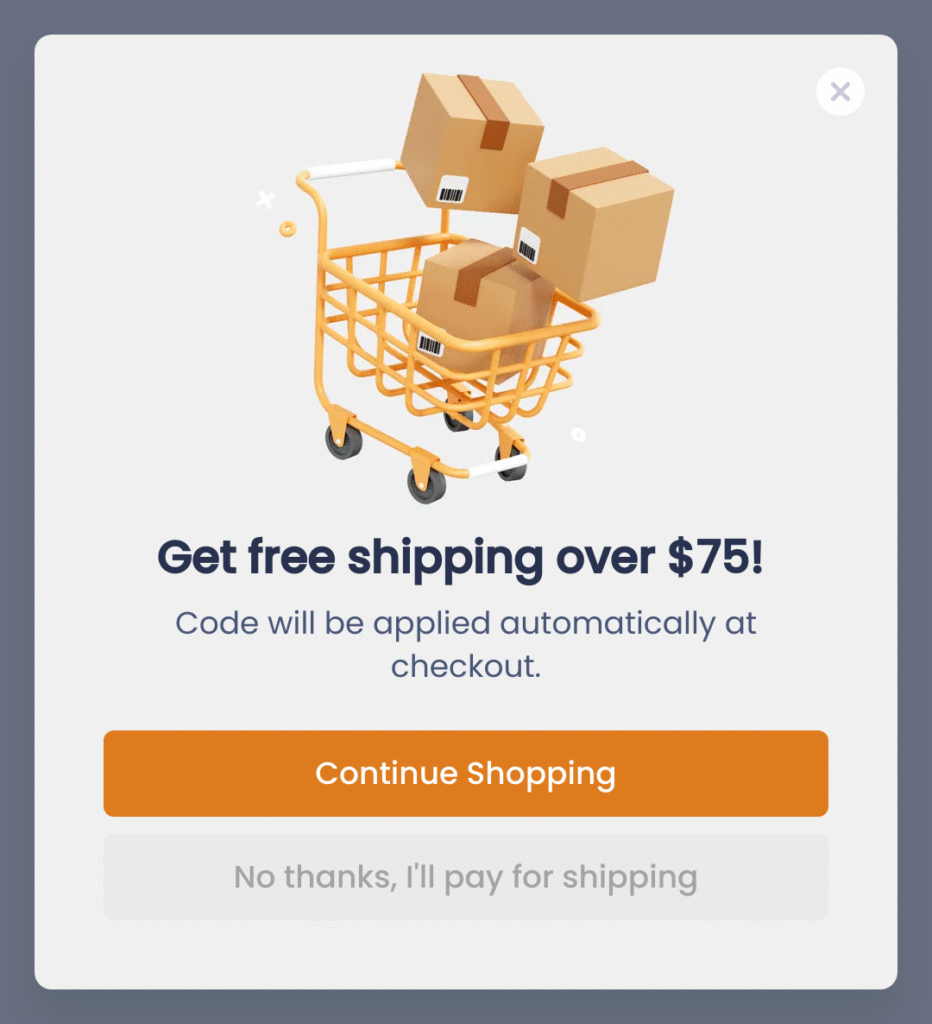
Free shipping is one of the strongest hooks in ecommerce, often stronger than a percentage off. Trade it for an email and you capture the lead and remove the top reason carts get abandoned.
Lead Magnet and Content-Offer Popups
When you do not sell a product, sell a resource. A guide, a checklist, or a template converts because the value is immediate and obvious.
9. Get an Exclusive PDF
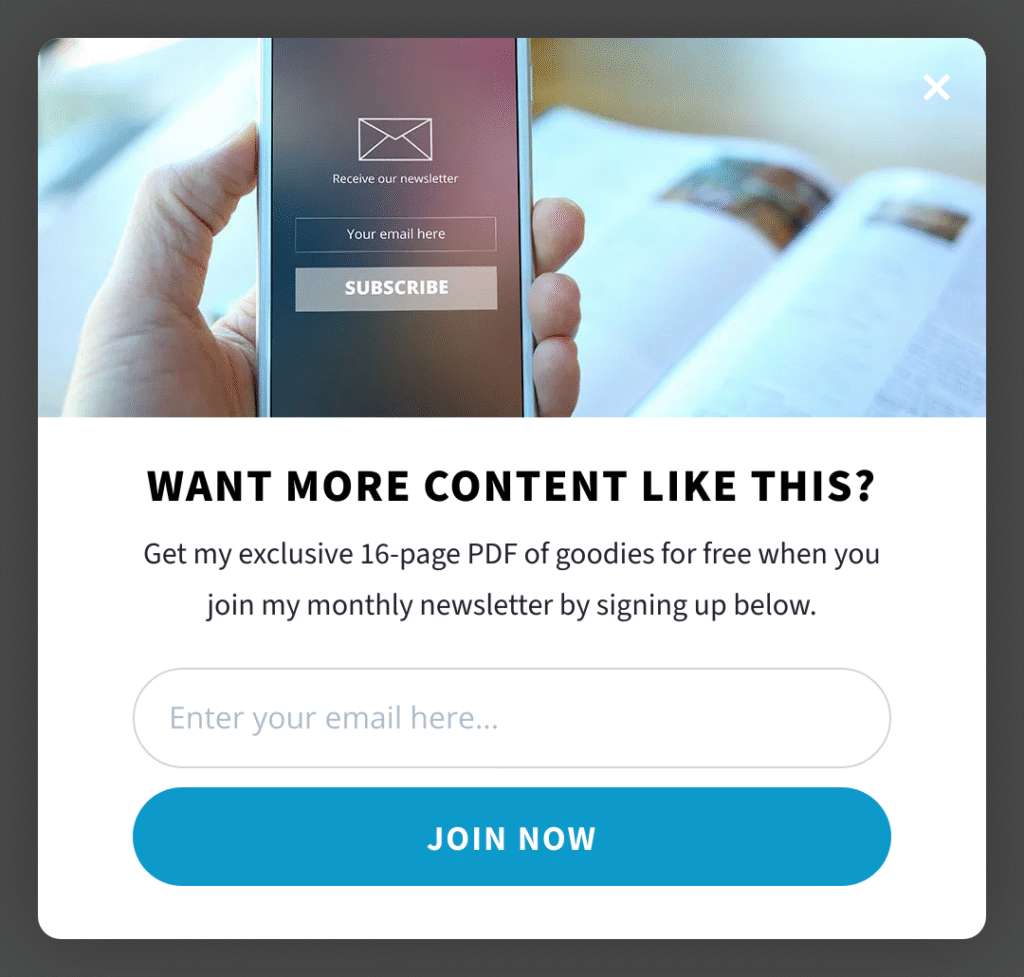
Trade a resource for an email: a checklist, a guide, a template. Cole Joseph added a single well-placed optin like this and increased sales by $55,000 after capturing nearly 7% more leads.
10. Case Study Download
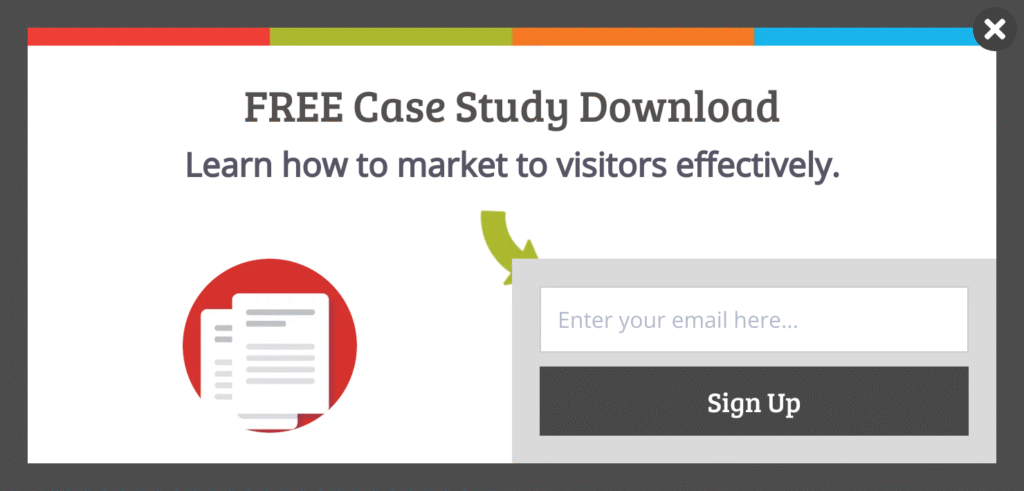
For B2B and SaaS, proof is the lead magnet. A case study offer attracts exactly the readers who are evaluating a purchase, so the list you build skews toward buyers.
11. Professional WordPress Toolkit
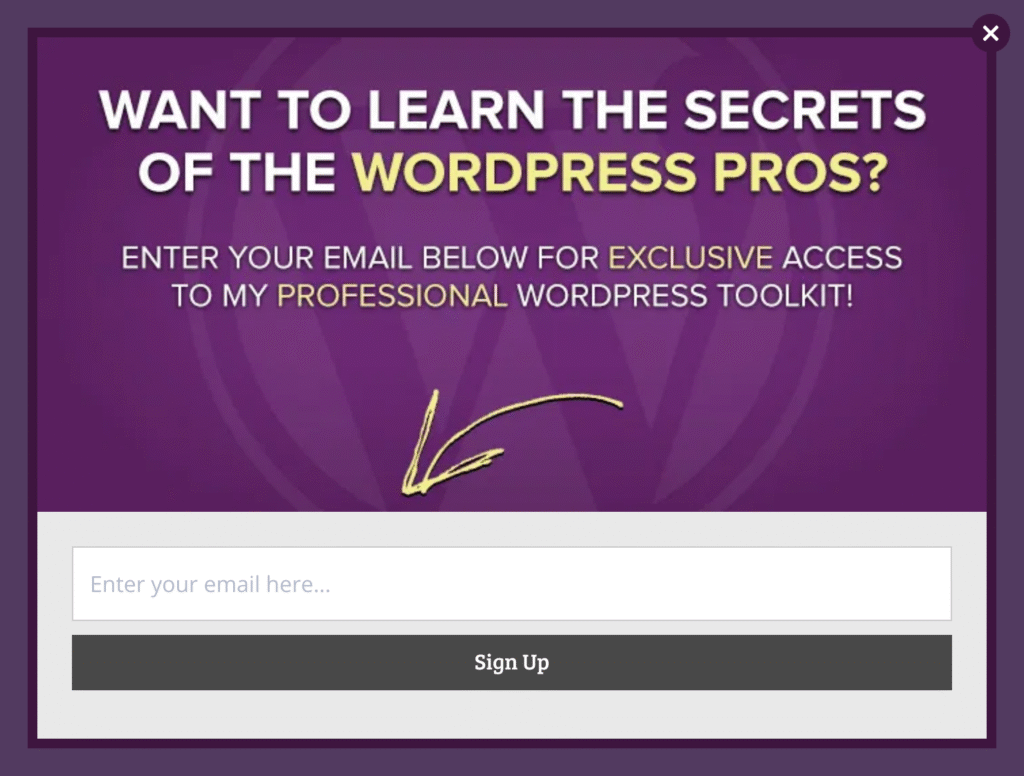
A bundle offer (“get the whole toolkit”) raises perceived value without extra work. One email unlocks a set of resources the visitor would otherwise hunt for one at a time.
12. Grow Your Lead Pipeline
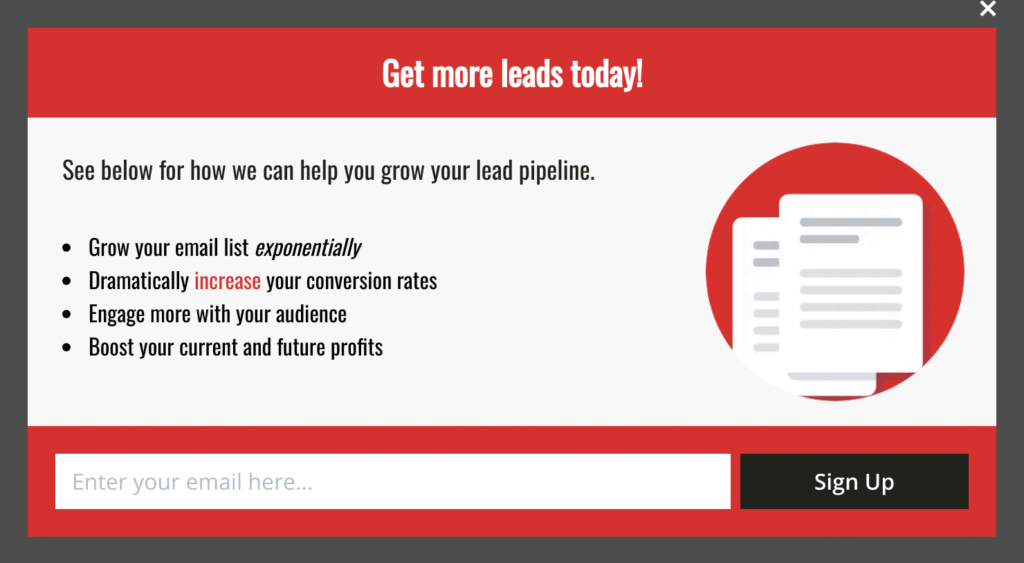
Aim the offer at a business outcome the reader wants. SnackNation runs offers like this to add 1,200 segmented leads to its list every week, sorted into the right buyer personas from the start.
Feedback, Survey, and Engagement Popups
Not every popup should open with a form. Sometimes the fastest way to an email is to start a conversation or offer a choice.
13. Feedback Survey
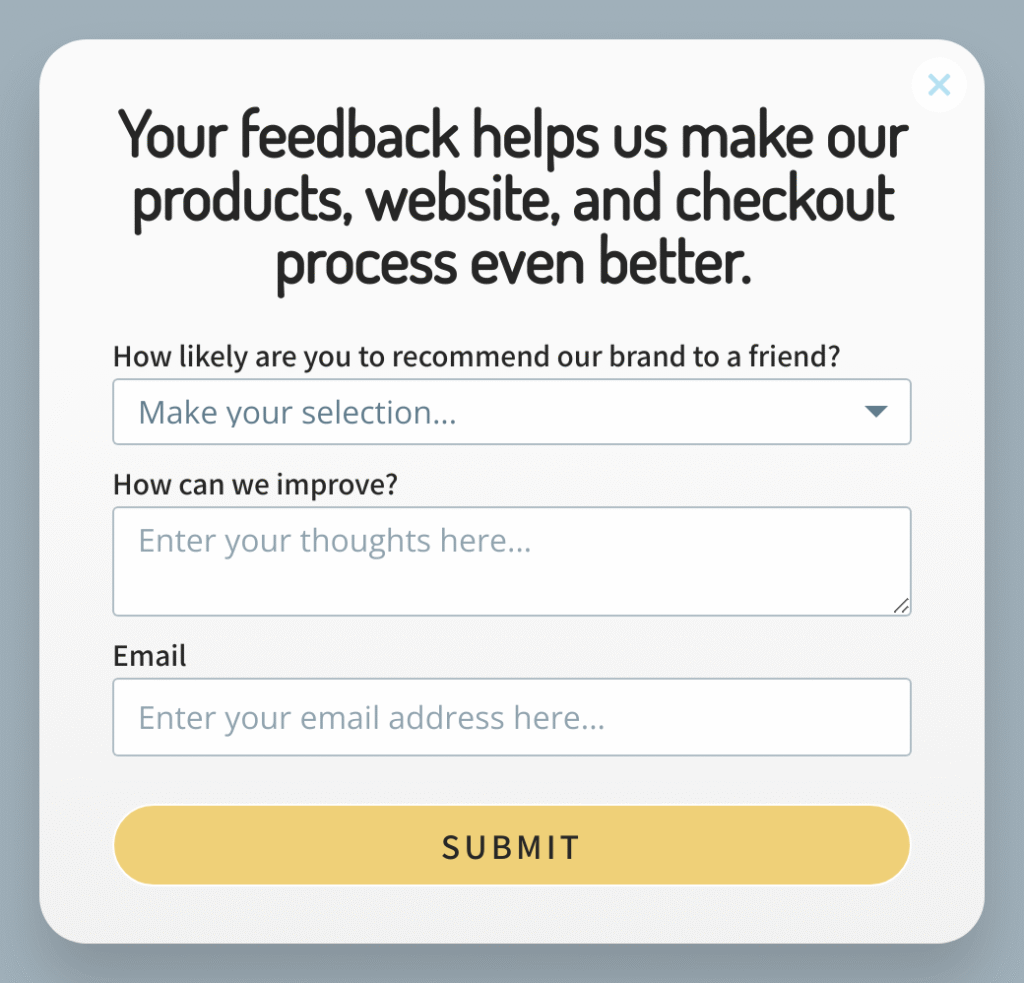
Ask a quick question first, then invite the email. Kinobody used surveys this way to convert 47 to 73% of visitors into segmented leads, because people answer a question more readily than they hand over an address cold.
14. Conversion Education
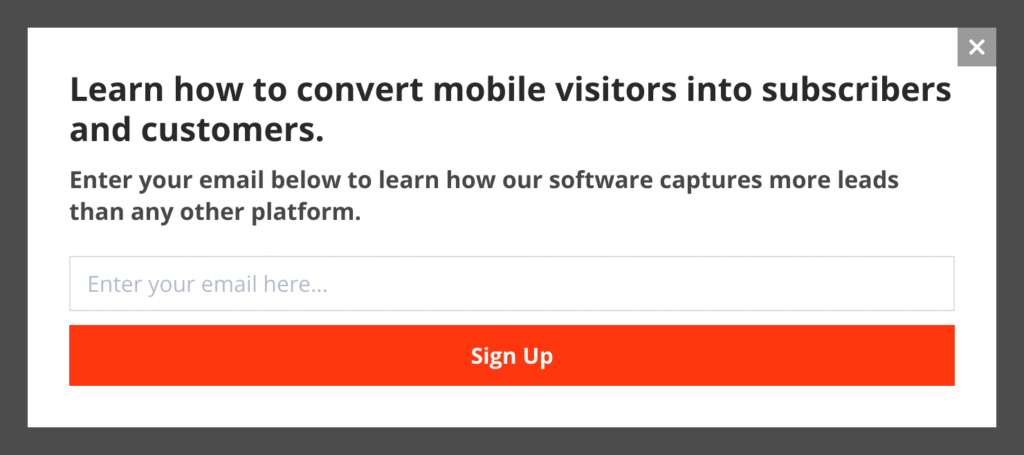
Lead with a tip or insight and let the subscribe ask follow. Teaching first earns the opt-in, especially on blogs and resource sites where the reader came to learn.
15. Convert Mobile Visitors
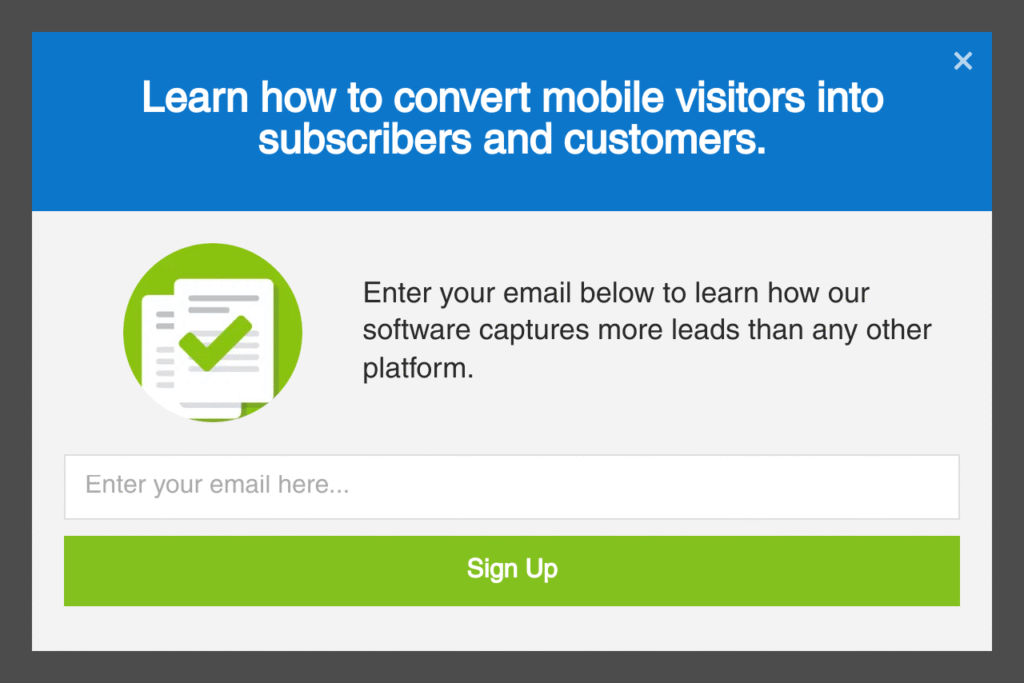
Over half of web traffic is mobile, so design for the thumb: big tap targets, short copy, a single field. On mobile, OptinMonster uses InactivitySensor™ instead of mouse tracking to catch visitors as they disengage, without the interstitial penalty Google warns about.
What Makes an Email Popup Convert
The examples above win for the same handful of reasons. Whichever you build, get these right:
- A clear value proposition. Say exactly what the visitor gets and why it is worth an email. One benefit, stated plainly, beats three vague ones.
- The right trigger and timing. Exit-intent, scroll depth, and time-on-page let you ask when a visitor is receptive instead of the instant they arrive.
- Mobile-friendly design. Over half of web traffic is mobile. Use a mobile-specific popup and tap targets big enough for a thumb.
- On-brand design. The popup should look like it belongs to your site, not like an ad that wandered in.
- Low friction. Ask for the least you need. Usually that is one email field.
Email Popup Best Practices
- Personalize with Smart Tags™ so the popup can greet returning visitors or reflect their location.
- Split test one element at a time (headline, offer, image) so you know what actually moved the number.
- Target desktop and mobile visitors separately instead of shrinking one design to fit both.
- Use page-level targeting to match the offer to the content the visitor is reading.
- Send a welcome email the moment someone subscribes, while your brand is still top of mind.
How to Create an Email Popup With OptinMonster
- Pick a template from the OptinMonster gallery that matches your goal and format.
- Edit the headline, offer, and colors in the drag-and-drop builder. No code required.
- Set your display rules: exit-intent, scroll depth, timing, or page-level targeting.
- Connect your email service so new subscribers sync automatically.
- Publish, then watch conversions in the dashboard and A/B test your best guess against a challenger.
If you run WordPress, a free plan is available through the OptinMonster WordPress plugin, so you can start building without a paid subscription. For advanced triggers, gamified campaigns, and revenue attribution, see OptinMonster pricing.
Frequently Asked Questions
What is an email popup?
A website message in a focused window that asks visitors for their email address, usually in exchange for a discount, a resource, or early access. It can trigger on entry, on a timer, at a scroll point, or on exit.
Do email popups actually work?
Yes, when they are well timed and offer real value. OptinMonster customers have used them to recover 38.5% of abandoning visitors (SnackNation) and add tens of thousands of subscribers (Social Media Examiner: 95,654 in seven months).
When should an email popup appear?
Match the trigger to intent. Exit-intent catches visitors as they leave, scroll triggers wait until a reader is engaged, and timed triggers work for offers that need a few seconds of context first.
Are email popups bad for SEO or mobile?
Not when used correctly. Avoid intrusive interstitials that block mobile content on entry. Exit-intent, scroll-triggered, and mobile-specific popups keep you on the right side of Google’s guidance.
How do I create an email popup for free?
On WordPress, install the OptinMonster plugin and use the free plan to build your first popup. Choose a template, edit it in the builder, set your display rules, and publish.
Disclosure: Our content is reader-supported. This means if you click on some of our links, then we may earn a commission. We only recommend products that we believe will add value to our readers.
12 responses to “15 Email Popup Examples to Grow Your Email List Fast (2026)”
-

Great insights on email popups. I especially liked the point about keeping the message simple and timing the popup based on user intent rather than showing it immediately. Small changes like these can make a big difference in conversions.
https://rebootiq.com/https-rebootiq-com-gym-lead-conversion/
-
The most useful framing here is the tension between list growth and respecting a visitor’s attention. Examples are more actionable when they show not only the offer and trigger, but also the dismissal path, frequency limits, and whether the popup appears after a meaningful action. That turns conversion into a design question rather than a race for the most intrusive prompt, and gives readers a clearer way to judge which pattern fits their own audience.
-
The central question here is not whether a popup can collect addresses, but whether its timing and message respect the visitor’s attention. A useful example should make the value exchange explicit, limit competing actions, and give people an easy way to decline without friction. Clarity matters most when the offer is specific: readers should understand what they will receive before being asked to subscribe. Testing one change at a time also makes the resulting lessons easier to interpret.
-
The most useful framing here is the tension between conversion and interruption. A popup can be evaluated before launch with a small checklist: does the offer match the page intent, is the trigger delayed until the visitor has engaged, can it be dismissed immediately, and is the form limited to the information genuinely needed? That balance also makes testing clearer, because teams can compare one variable at a time instead of treating every design change as a new campaign.
-
This article is a goldmine for anyone serious about list building. I especially appreciate how you break down the popups by goal, as the subscribe versus offer distinction really changes the design and copy approach. The result from Social Media Examiner is a great proof point. I’m curious if you have any data on popup fatigue or frequency capping, since that’s a fine line to walk. By the way, for those of us who also enjoy a daily trivia challenge, krillion offers a fun companion to track answers with rarity hints. Thanks for sharing these practical examples!
-
This post is afavorites lol for balancing growth with a respectful user journey. Thanks for this! ✨
-
Love the focus on timing and respecting visitors. The discount popup with playful decline copy is genius! It’s like anomalouscoffeemachine3—set the right triggers and watch conversions grow.
-
I came across Sarkari yojana
while looking through government-related information and was mainly interested in how different scheme details are presented. For me, useful content should explain basic eligibility, documents, benefits, and application guidance without making things unnecessarily complicated. Such information can help with initial research, although I would always confirm important details with the relevant government department before taking any action. -
The conflict between list expansion and honoring a visitor’s attention is the most helpful frame in this situation. Examples that display not just the offer and trigger but also the dismissal method, frequency limitations, and whether the popup displays following a significant action are more Actions and Stuffs APK. This makes it easier for readers to choose which pattern best suits their particular audience and transforms conversion into a design question rather than a competition for the most invasive prompt.
-
This is an incredibly practical and well-structured guide — the distinction between popup goals (subscribe, offer, resource, feedback) is exactly the kind of framing that saves teams from building the wrong thing. I really appreciate the emphasis on timing and intent over interruption, because that’s where so many list-building efforts go wrong. The specific conversion results (like Social Media Examiner’s 95k subscribers) make the advice feel grounded rather than theoretical. It’s the kind of resource that turns a tactic into a strategy. If you’re into more rabbit holes about content creation, community building, and the people shaping how we connect online, check out Mimic Party – plenty to explore over there. 📧📈✨
-
The Kennedy Blue example stuck with me, a 50% sales lift from a simple discount popup is hard to argue with. I set mine to fire on exit intent too after reading about colony flow here, and it feels way less pushy than a timed popup.
-
I like that this groups the examples by type instead of dropping a wall of screenshots — the framing around not annoying the people you actually want to subscribe to is the part most roundups skip entirely.
I’ve been using Tiny Desk AI while working through this myself, and the thing I keep circling back to is that same tension the post opens with: getting the ask in front of people without it feeling like a toll booth at the door. If you’re weighing that balance too, it’s worth a look to learn more about the approach.


Add a Comment