
Here Are the Best Email Automation Software for Your Business in 2026
Last updated on
by
Email automation sounds simple until you start using it.
I have spent years working hands-on with different email marketing and automation tools, from basic newsletter platforms to advanced systems built around behavioral workflows. One thing I learned quickly is that many tools promise automation but struggle once you try to build real customer journeys.
This guide is based on my first-hand experience setting up campaigns, automations, and email funnels using the most widely recommended platforms on the market. Instead of repeating feature lists, I focus on how these tools actually perform in real use and where they start to feel limiting.
You will also see OptinMonster included. While it is not an email service provider, I have used it alongside nearly every tool in this list. Strong automation only works when it is fed with high-quality leads, and lead capture plays a bigger role than most people expect.
Below, I walk through each tool individually, starting with the platforms I rely on most for serious email automation.
Email Automation Software Compared
| Tool | Best For | Automation Strength | Starting Price | Free Trial |
|---|---|---|---|---|
| ActiveCampaign | Advanced automation & CRM workflows | Very strong (visual workflows, deep segmentation) | From ~$29/month | Yes |
| HubSpot | All-in-one marketing + CRM | Very strong (CRM-powered automation) | Free plan available | Yes |
| Klaviyo | Ecommerce & revenue-driven email | Very strong (behavior-based automation) | Free up to limits | Yes |
| GetResponse | Balanced features at mid-range pricing | Strong (automation + funnels) | From ~$19/month | Yes |
| Mailchimp | Beginners & small businesses | Moderate (basic automation) | Free up to limits | Yes |
| Kit | Creators & bloggers | Strong (tag-based automation) | Free up to limits | Yes |
| Brevo | SMBs & transactional email | Moderate to strong | Free up to limits | Yes |
| MailerLite | Simplicity & affordability | Moderate | Free up to limits | Yes |
| Drip | Ecommerce automation | Strong | From ~$39/month | Yes |
| Moosend | Budget-friendly automation | Moderate | From ~$9/month | Yes |
| AWeber | Traditional email marketing | Basic to moderate | Free up to limits | Yes |
| Campaign Monitor | Design-focused campaigns | Basic automation | From ~$11/month | Yes |
| Benchmark Email | Simple email campaigns | Basic | Free up to limits | Yes |
| OptinMonster | Lead capture & conversion optimization | Complements any ESP | From ~$9/month | Yes |
How We Evaluated These Tools
This list is based on first-hand experience using these email marketing and automation platforms across different projects and use cases. Instead of relying on feature lists alone, I focused on how each tool actually performs in real-world scenarios.
Each platform was evaluated based on a few core criteria:
Automation depth: How flexible and practical the workflow builder is, including triggers, conditions, and branching
Ease of use: How quickly I could set up and manage automations without unnecessary complexity
Use-case fit: How well the tool supports specific needs like ecommerce, content creators, CRM-driven marketing, or simple campaigns
Scalability: Whether the platform continues to work as lists, workflows, and teams grow
Overall value: How pricing compares to the automation capabilities you actually get
Only tools that are widely used, actively maintained, and consistently recommended were included. The goal was not to list every option available, but to highlight platforms that have proven reliable in ongoing use.
Hands-On Reviews of Email Automation Software
1. ActiveCampaign
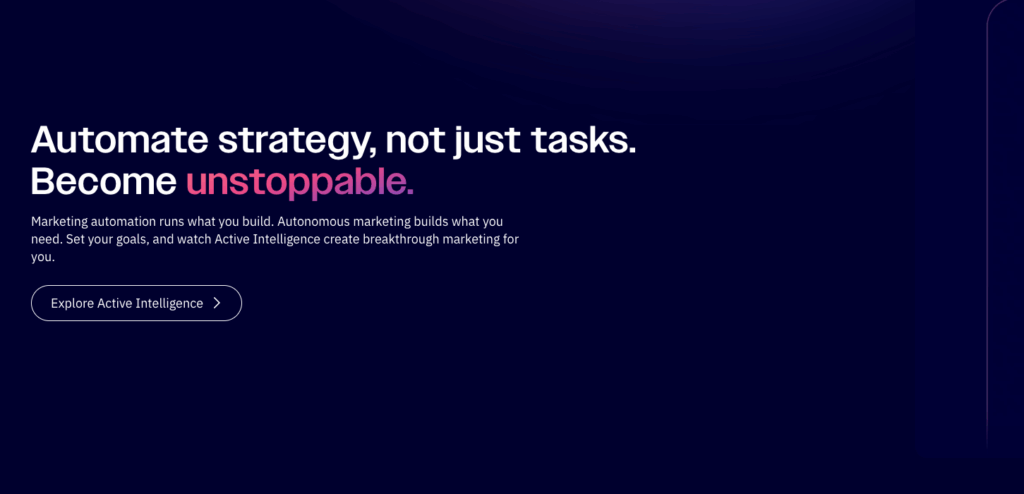
I started using ActiveCampaign when basic autoresponders were no longer enough. At that point, I needed a platform that could react to user behavior and support real customer journeys instead of simple time-based sequences.
ActiveCampaign’s automation builder is one of the most flexible I have worked with. The visual workflow editor makes it easy to build multi-step automations with conditional logic, tagging, and goal tracking. I regularly use it to move contacts between funnels based on actions like page visits, link clicks, or purchases, which makes campaigns feel far more personalized.
One improvement I have appreciated in recent updates is the addition of AI-assisted automation setup. Instead of building everything manually, I can now describe what I want to achieve and let the platform generate a starting workflow. ActiveCampaign has also expanded its cross-channel automation, allowing email, SMS, and WhatsApp messaging to be managed from the same automation builder, which is useful when campaigns extend beyond email alone.
Feature Highlights
- Visual automation builder with advanced branching logic
- AI-assisted workflow creation to speed up setup
- Cross-channel automation including email, SMS, and WhatsApp
- Detailed tagging, segmentation, and lead scoring
- Built-in CRM and sales pipeline automation
ActiveCampaign works best for businesses that want automation tied closely to user behavior and lifecycle stages. I have found it especially effective for lead nurturing, onboarding sequences, and campaigns that need to adapt based on how contacts engage.
There is a learning curve, especially for beginners. Pricing can also increase quickly as your contact list grows and you unlock more advanced features.
Based on my experience, ActiveCampaign is a strong choice for teams that want serious automation without moving into full enterprise software. If your goal is to build behavior-driven email journeys that connect marketing and sales, this platform is hard to beat.
2. HubSpot
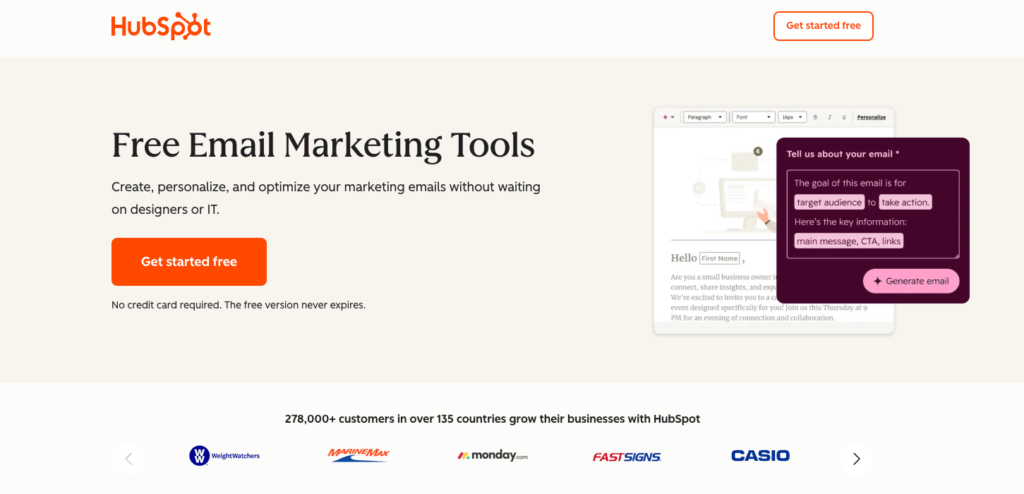
I have used HubSpot in situations where email automation needed to connect directly to CRM data, sales activity, and customer lifecycle stages. Compared to standalone email tools, HubSpot feels more like a full system than a single channel platform.
Email automation in HubSpot is built around its CRM, which changes how you work. Instead of creating automations based only on email behavior, I can trigger workflows from contact properties, deal stages, form submissions, page views, and sales activity. This makes it much easier to align marketing emails with what is actually happening in the pipeline.
In recent updates, HubSpot has leaned heavily into AI-powered tools. I have used its AI features to help draft emails, summarize CRM activity, and optimize subject lines. These additions do not replace strategy, but they do save time when managing large lists or complex workflows. HubSpot has also expanded its workflow actions, giving more flexibility when automating lead routing, internal notifications, and follow-ups.
Feature Highlights
- CRM-based email automation and workflows
- Visual workflow builder with advanced triggers and conditions
- AI-assisted email writing and optimization tools
- Deep integration with sales pipelines and deal stages
- Strong reporting and attribution across marketing and sales
HubSpot works best when email automation is part of a larger marketing and sales system. I have found it especially effective for teams that want marketing emails, lead scoring, and sales follow-ups to live in the same platform.
Cost is the biggest limitation. Advanced automation features are locked behind higher-tier plans, which can be expensive for small teams. It can also feel like more software than you need if email marketing is your only focus.
Based on my experience, HubSpot is ideal for growing teams that want email automation tightly connected to CRM and sales processes. If you need visibility from first touch through conversion and beyond, HubSpot does that better than most tools.
3. Klaviyo
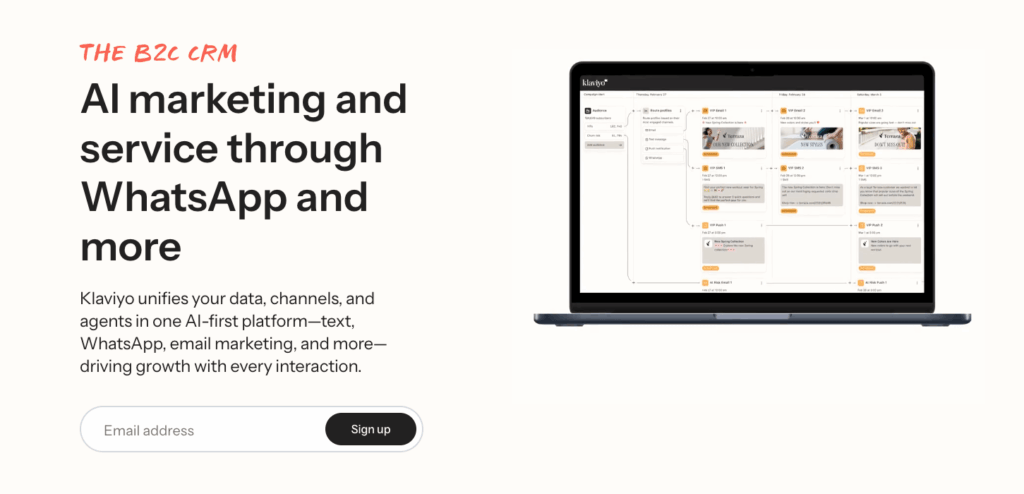
I have used Klaviyo primarily in ecommerce environments where email automation needs to be tightly connected to revenue, product behavior, and purchase history. From the start, it is clear that this platform is built with ecommerce in mind, not as an add-on but as its core purpose.
What stood out to me right away was how easily Klaviyo pulls in data from ecommerce platforms. Purchase events, product views, cart activity, and customer lifetime value are all available as automation triggers without extra configuration. This makes it straightforward to build flows like browse abandonment, cart recovery, post-purchase follow-ups, and win-back campaigns that are directly tied to shopping behavior.
In its latest updates, Klaviyo has expanded its AI-driven features, especially around predictive analytics. I have used predictive metrics like expected next purchase date and churn risk to refine segmentation and timing. The automation builder itself has also improved, with clearer flow visualization and better tools for testing and optimizing performance across email and SMS.
Feature Highlights
- Ecommerce-first automation triggers tied to real purchase behavior
- Advanced segmentation using revenue, product, and engagement data
- Predictive analytics for churn risk and next purchase timing
- Email and SMS automation managed from the same platform
- Strong reporting focused on revenue attribution
Klaviyo works best for ecommerce brands that want automation driven by customer behavior and sales data. I have found it especially effective for stores running frequent promotions, product launches, or lifecycle campaigns tied to repeat purchases.
Klaviyo is less flexible outside of ecommerce use cases. If you are running a content site, SaaS product, or service business, some of its strengths may feel unnecessary. Costs can also rise quickly as your contact list and messaging volume grow.
Based on my experience, Klaviyo is one of the strongest options for ecommerce-focused email and SMS automation. If your priority is driving repeat purchases and tying automation directly to revenue, this is a platform worth serious consideration.
4. GetResponse
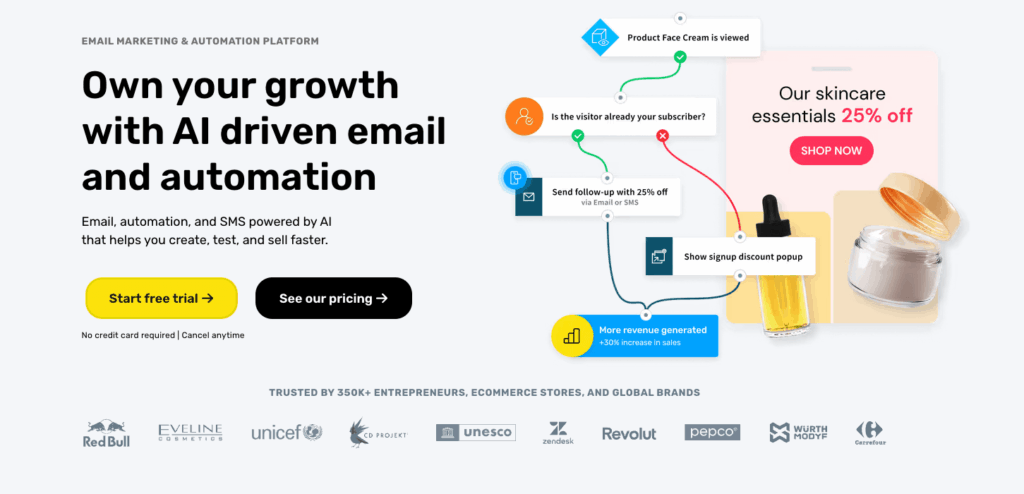
I have used GetResponse when I wanted a platform that offered solid automation without the complexity or cost of more advanced enterprise tools. It sits in a middle ground that works well for many teams, especially when you want more than newsletters but are not ready for a heavy CRM-driven setup.
GetResponse’s automation builder is straightforward and easy to work with. I was able to set up multi-step workflows using conditions based on email engagement, tags, purchases, and form submissions without much friction. The interface makes it clear how contacts move through automations, which helps when managing multiple campaigns at once.
In more recent updates, GetResponse has expanded its feature set beyond email. I have used its built-in funnels, landing pages, and webinar tools to support automation campaigns end to end. The platform has also added AI-assisted email creation features, which help speed up drafting subject lines and content when launching new campaigns.
Feature Highlights
- Visual automation builder with conditional logic
- Built-in funnels, landing pages, and webinar tools
- AI-assisted email content and subject line creation
- Ecommerce and purchase-based automation triggers
- Solid reporting for campaign and automation performance
GetResponse works best for small to mid-sized businesses that want automation plus supporting tools in one place. I have found it useful when running lead generation campaigns that combine email, landing pages, and follow-up sequences without relying on external software.
While capable, the automation is not as deep as platforms like ActiveCampaign or HubSpot. Some advanced segmentation and workflow options feel more limited once campaigns become highly complex.
Based on my experience, GetResponse is a good fit for teams that want dependable automation with a manageable learning curve. If you are looking for a balance between features, usability, and cost, it is a platform worth considering.
5. Mailchimp
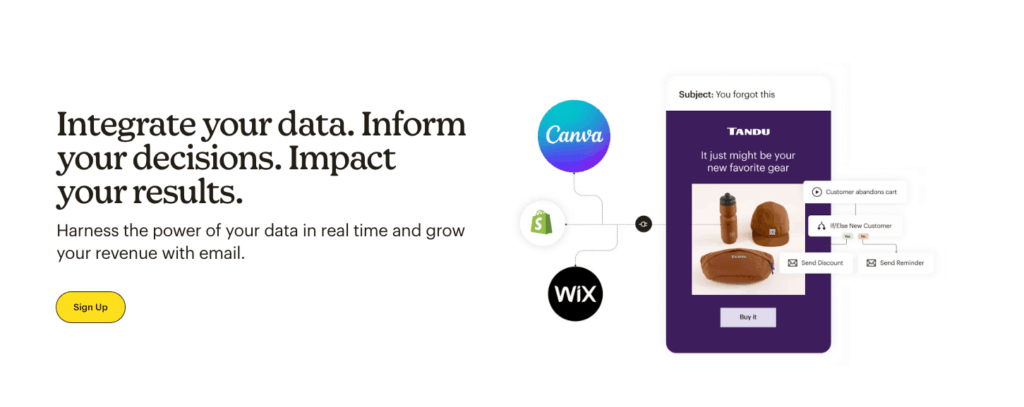
I have used Mailchimp on and off for years, mostly for smaller projects and early-stage businesses that needed to get email campaigns running quickly. It has always been easy to start with, and that is still one of its biggest strengths.
Setting up basic automations in Mailchimp is straightforward. I have used it for welcome sequences, simple follow-ups, and re-engagement emails without much setup time. The interface is clean, and the email builder makes it easy to create campaigns without design experience.
In more recent updates, Mailchimp has expanded its automation features and added AI-powered tools. I have used its AI content suggestions and subject line helpers, which are useful for speeding up campaign creation. Mailchimp has also improved its customer journey builder, making it easier to visualize how contacts move through simple automation paths based on engagement and ecommerce activity.
Feature Highlights
- Easy-to-use email and automation setup
- Customer journey builder for basic workflows
- AI-assisted content and subject line suggestions
- Ecommerce integrations with purchase-based triggers
- Large template library and built-in design tools
Mailchimp works best for beginners and small businesses that want to launch email campaigns quickly without dealing with complex automation logic. I have found it useful for straightforward workflows where simplicity matters more than flexibility.
Automation depth is limited compared to more advanced platforms. Once workflows require detailed branching, advanced segmentation, or tight CRM integration, Mailchimp can start to feel restrictive. Pricing can also increase quickly as your list grows.
Based on my experience, Mailchimp is a good starting point for basic email automation. If you are just getting started or only need simple workflows, it does the job well. For more advanced automation needs, most teams eventually outgrow it.
6. Kit
I have used Kit primarily for creator-led projects where the focus was on content, subscriptions, and audience relationships rather than complex sales pipelines. It feels intentionally opinionated, and that shows in how automation is handled.
Kit’s automation is built around tags and visual rules instead of deep branching workflows. In practice, I found this makes it easier to manage subscriber journeys without overengineering them. I have used it to trigger sequences based on form signups, link clicks, purchases, and tag changes, all of which felt intuitive and quick to set up.
In its latest updates, Kit has expanded automation flexibility and improved its visual automation editor. I have also used its newer AI-assisted tools for email drafting and subject line suggestions, which help speed up content creation. The platform has continued to lean into creator monetization features, including paid newsletters and digital product automations, which integrate smoothly into email flows.
Feature Highlights
- Tag-based automation that is easy to manage
- Visual automation editor for subscriber journeys
- AI-assisted email writing and subject suggestions
- Built-in tools for paid newsletters and digital products
- Clean interface designed for creators
Kit works best for creators, bloggers, and educators who want automation without complexity. I have found it especially useful when managing content-driven funnels, lead magnets, and subscriber nurturing tied to personal brands.
Automation depth is more limited than platforms like ActiveCampaign or HubSpot. If you need complex branching logic, CRM features, or advanced segmentation based on many conditions, Kit may feel restrictive.
Based on my experience, Kit is a strong choice for creators who want email automation that stays out of the way. If your business revolves around content, courses, or audience monetization, it strikes a good balance between simplicity and control.
7. Brevo
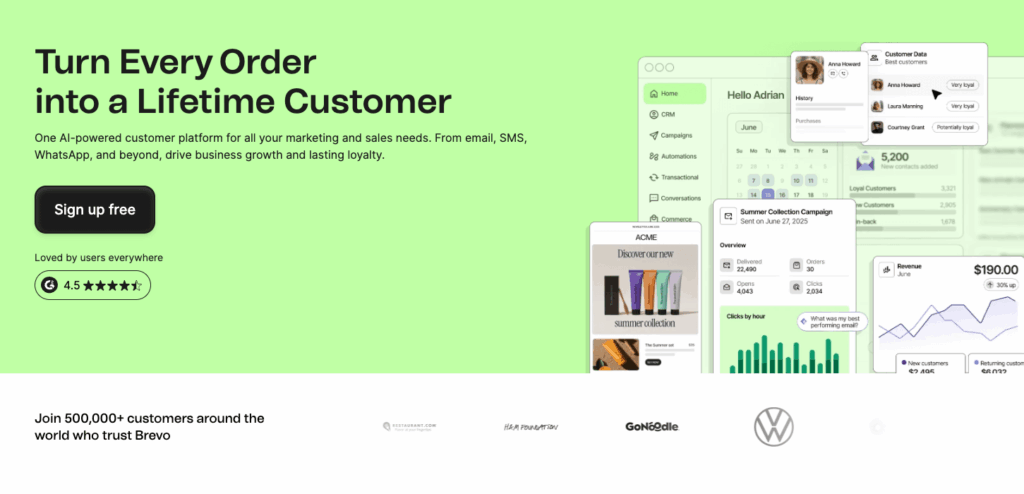
I have used Brevo in projects where budget mattered, but I still needed reliable automation and transactional messaging. It stands out as a practical option when email automation needs to work alongside transactional emails and SMS without moving to a more expensive platform.
Brevo’s automation setup is straightforward. I have used it to build workflows based on email engagement, list activity, and basic behavioral triggers. While it does not offer the same depth as higher-end tools, it covers the essentials well and is easy to manage once automations are live.
In its more recent updates, Brevo has improved its automation editor and expanded its multi-channel capabilities. I have used it to combine email and SMS within the same workflows, which is especially useful for confirmations, alerts, and time-sensitive follow-ups. The platform has also continued to strengthen its transactional email infrastructure, which is one of its biggest advantages.
Feature Highlights
- Email automation with simple, clear workflow setup
- Built-in transactional email and SMS support
- Multi-channel workflows combining email and SMS
- Affordable pricing with generous free limits
- Solid deliverability for both marketing and transactional messages
Brevo works best for small to mid-sized businesses that need both marketing automation and transactional messaging in one platform. I have found it especially useful for SaaS products and service-based sites that rely on system emails as much as marketing campaigns.
Automation options are more basic compared to advanced platforms. Segmentation and workflow branching can feel limited once campaigns become more complex.
Based on my experience, Brevo is a strong option if you want dependable automation and transactional messaging at a reasonable price. If affordability and multi-channel basics are your priority, it is a solid choice.
8. MailerLite
I have used MailerLite in situations where simplicity and ease of use mattered more than advanced automation depth. It is one of the tools I reach for when I want to get campaigns and basic workflows running quickly without a long setup process.
MailerLite’s automation builder is clean and easy to understand. I have used it for welcome sequences, basic lead nurturing, and simple follow-ups triggered by signups or email engagement. The visual editor makes it clear how subscribers move through each step, which helps avoid mistakes when managing multiple workflows.
In recent updates, MailerLite has expanded its automation features and improved its email editor. I have also used its built-in landing pages and forms, which integrate smoothly with automations and make it easier to capture and route leads without external tools. The platform has added AI-assisted writing tools as well, which help speed up content creation for straightforward campaigns.
Feature Highlights
- Simple visual automation builder
- Easy-to-use email editor and templates
- Built-in forms and landing pages
- AI-assisted email content tools
- Affordable pricing with a generous free plan
MailerLite works best for small businesses, creators, and teams that want straightforward automation without complexity. I have found it useful for basic funnels where clarity and speed matter more than advanced logic.
Automation options are limited once workflows require advanced branching, deep segmentation, or CRM-style features. It is not designed for highly complex automation use cases.
Based on my experience, MailerLite is a good fit if you want a clean, affordable tool for basic email automation. If your needs grow beyond simple workflows, you may eventually need to upgrade to a more advanced platform.
9. Drip
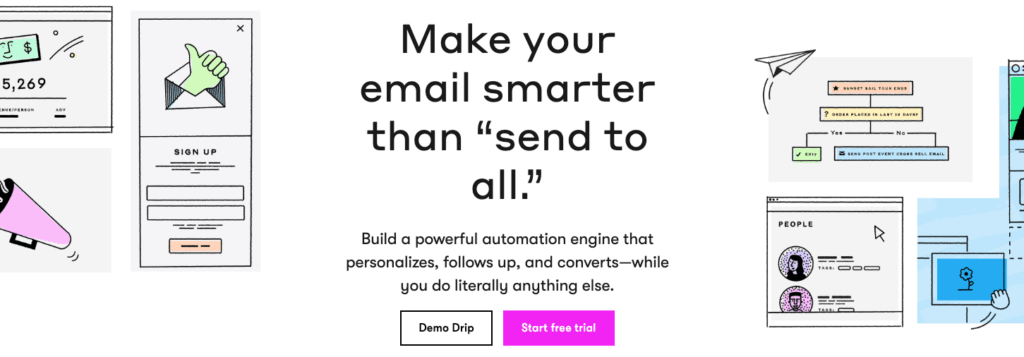
I have used Drip mainly for ecommerce projects where email automation needed to react closely to customer behavior and revenue data, but where tools like Klaviyo felt heavier than necessary. Drip sits in an interesting middle ground between flexibility and focus.
Drip’s automation builder gives you more control than entry-level platforms. I have used it to build workflows triggered by purchases, browsing behavior, tags, and custom events. The visual workflow editor makes it clear how contacts move through each step, and it is easy to adjust logic as campaigns evolve.
In its more recent updates, Drip has continued to improve its ecommerce data integrations and automation flexibility. I have used its revenue attribution and customer timeline views to understand how email interactions connect to actual purchases. The platform also supports both email and SMS automation, which helps when coordinating campaigns across channels.
Feature Highlights
- Ecommerce-focused automation with behavioral triggers
- Visual workflow builder with flexible logic
- Revenue attribution tied to email performance
- Email and SMS automation in one platform
- Customer timelines that show engagement and purchase history
Drip works best for ecommerce brands that want more automation control than beginner tools but do not need a full CRM. I have found it useful for stores that want to fine-tune lifecycle emails and segment customers based on buying behavior.
Drip is less suited for non-ecommerce use cases. If you are running a content site or service business, some features may feel unnecessary. Pricing can also rise as your contact list grows.
Based on my experience, Drip is a strong option for ecommerce teams that want flexible automation without excessive complexity. If your focus is lifecycle emails and revenue-driven campaigns, it fits well.
10. Moosend
I have used Moosend in projects where cost was a major factor, but basic automation was still required. It is one of the more affordable tools I have worked with that still offers a visual automation builder rather than limiting users to simple autoresponders.
Moosend’s automation setup is easy to follow. I have used it to create workflows based on email opens, clicks, list subscriptions, and simple behavioral triggers. The interface is clean, and it does not take long to understand how contacts move through an automation. For straightforward campaigns, this makes setup fast and predictable.
In its more recent updates, Moosend has improved its automation editor and reporting. I have also used its newer AI-powered subject line and content suggestions, which help speed up campaign creation. Ecommerce integrations have improved as well, making it easier to trigger emails from basic purchase activity.
Feature Highlights
- Visual automation builder with essential triggers
- AI-assisted subject line and content suggestions
- Ecommerce integrations for basic purchase automation
- Affordable pricing compared to most competitors
- Clean interface that is easy to manage
Moosend works best for small businesses and teams that want automation at a low cost. I have found it useful for simple lead nurturing, onboarding sequences, and promotional follow-ups where advanced logic is not required.
Automation depth is limited compared to higher-end platforms. Segmentation options are more basic, and complex workflows can feel constrained once campaigns grow.
Based on my experience, Moosend is a good choice if budget is your primary concern and you still want basic automation capabilities. It covers the essentials well but is not built for advanced or highly customized workflows.
11. AWeber
I have used AWeber mostly for long-running lists and smaller businesses that value stability and deliverability over cutting-edge automation. It is one of the older platforms in this space, and that shows in both good and limiting ways.
AWeber’s automation is centered around campaigns triggered by tags, signups, and basic engagement. I have used it for welcome sequences, lead magnet delivery, and simple follow-ups without issues. The setup process is straightforward, and the interface feels familiar if you have worked with traditional email marketing tools before.
In its more recent updates, AWeber has improved its automation editor and added AI-assisted tools for writing subject lines and email content. I have also used its landing pages and signup forms, which integrate cleanly with automations and help reduce reliance on external tools for basic lead capture.
Feature Highlights
- Tag-based automation for simple workflows
- Reliable email deliverability
- AI-assisted subject line and email content tools
- Built-in landing pages and signup forms
- Easy setup for beginners
AWeber works best for small businesses and creators who want dependable email marketing with light automation. I have found it useful when running straightforward campaigns that do not require complex branching or advanced segmentation.
Automation options are limited compared to more modern platforms. If you need advanced behavioral triggers, deep segmentation, or ecommerce-focused workflows, AWeber may feel outdated.
Based on my experience, AWeber is a solid option if you value simplicity and reliability over advanced automation. It is a good fit for basic email marketing needs and long-term list management.
12. Campaign Monitor
I have used Campaign Monitor mainly when design quality and brand presentation were the top priorities. It has always been strong on the visual side, and that remains its biggest differentiator compared to more automation-heavy platforms.
Campaign Monitor’s automation tools are easy to work with, but they are clearly designed for simpler workflows. I have used it for welcome emails, basic drip campaigns, and follow-ups triggered by engagement or list activity. The visual journey builder is clear and intuitive, which makes it easy to manage straightforward sequences without confusion.
In its latest updates, Campaign Monitor has continued to improve its email editor and template system. I have also used its newer personalization features and improved analytics, which help refine campaigns based on subscriber engagement. While automation has improved over time, it still feels secondary to campaign creation and design.
Feature Highlights
- High-quality email templates and visual editor
- Simple automation journeys for basic workflows
- Personalization based on subscriber data
- Clear reporting on engagement and campaign performance
- Strong focus on brand consistency and design
Campaign Monitor works best for teams that care deeply about how their emails look and feel. I have found it especially useful for agencies, designers, and brands that run polished campaigns but do not need complex automation logic.
Automation depth is limited. Once workflows require advanced branching, behavioral triggers, or tight CRM integration, Campaign Monitor can feel restrictive.
Based on my experience, Campaign Monitor is a good fit if your priority is beautifully designed email campaigns with light automation. If design comes first and automation is secondary, it does its job well.
13. Benchmark Email
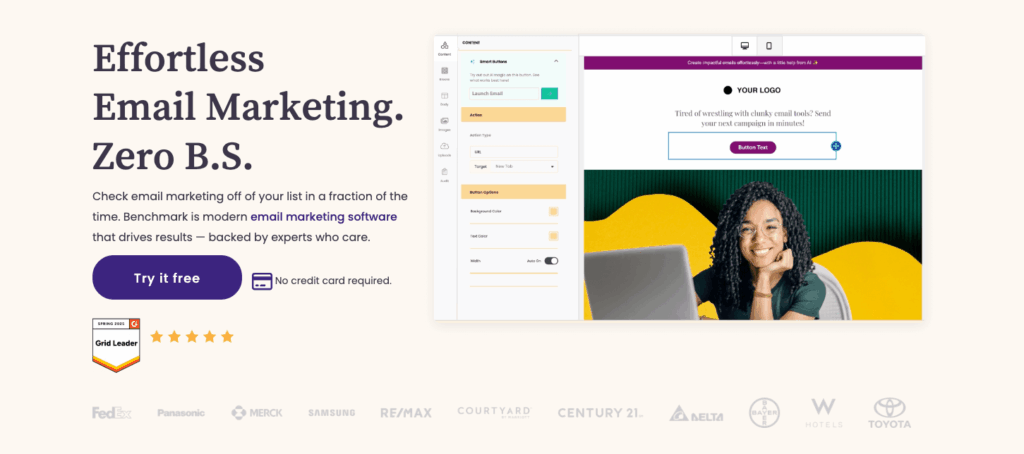
I have used Benchmark Email for projects where simplicity was the main requirement and advanced automation was not a priority. It is a straightforward platform that focuses on helping users send clean campaigns and set up very basic workflows without friction.
Benchmark’s automation tools are limited but easy to understand. I have used it for welcome emails, basic drip sequences, and time-based follow-ups. The interface is simple, and it does not take long to get a campaign live, which can be useful when speed matters more than flexibility.
In more recent updates, Benchmark Email has added AI-assisted email writing tools and improved its email editor. These features help speed up content creation, especially for users who want guidance when drafting campaigns. While automation has seen minor improvements, the platform still prioritizes simplicity over depth.
Feature Highlights
- Easy-to-use email editor and templates
- Basic automation for simple workflows
- AI-assisted email content creation
- Clean interface with minimal setup
- Free plan for small lists
Benchmark Email works best for individuals and small businesses that want to send campaigns and run simple automated sequences without dealing with complex logic. I have found it useful for basic communication and list engagement.
Automation capabilities are very limited. Advanced segmentation, behavioral triggers, and multi-step branching workflows are not its strengths.
Based on my experience, Benchmark Email is a reasonable option if you need simple email marketing with light automation. It is not designed for sophisticated automation strategies.
14. OptinMonster
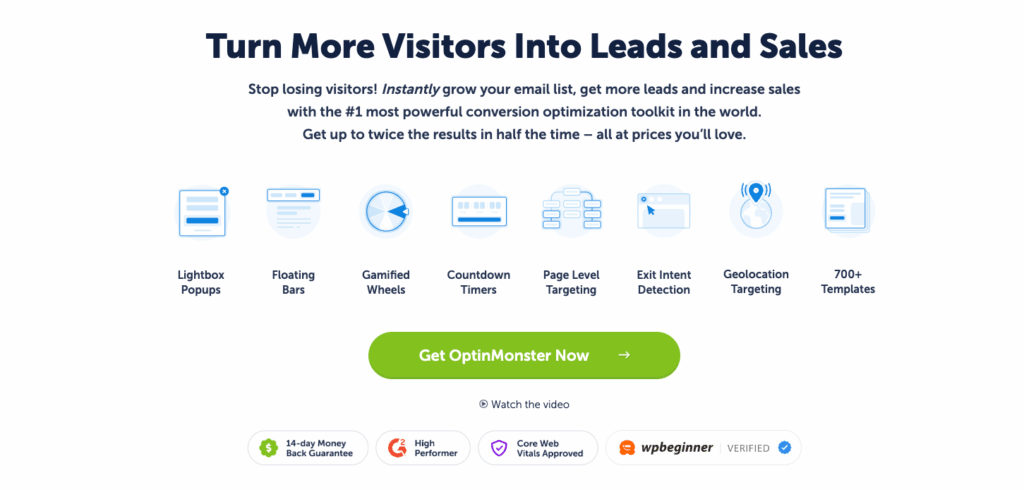
While OptinMonster is not an email marketing platform, I have used it alongside nearly every tool in this guide. In practice, email automation only performs as well as the leads entering the system, and that is where OptinMonster consistently adds value.
I use OptinMonster to capture leads through popups, slide-ins, floating bars, and embedded forms, then pass those leads directly into email platforms like ActiveCampaign, HubSpot, and Klaviyo. The targeting and trigger options make it possible to show the right offer based on behavior, referral source, device type, or exit intent, which improves lead quality before automation even begins.
Recent updates have expanded OptinMonster’s targeting rules, templates, and integrations. I have used it to segment leads at the point of capture, apply tags automatically, and route subscribers into specific automation paths inside my email platform. This reduces cleanup later and makes automation more effective from the start.
Feature Highlights
- Advanced lead capture and conversion targeting
- Seamless integrations with major email platforms
- Behavior-based triggers like exit intent and scroll depth
- Automatic tagging and segmentation at signup
- Easy setup with prebuilt templates
OptinMonster works best as the front end of an email automation system. I have found it especially useful for improving conversion rates and feeding higher-quality leads into automated workflows.
OptinMonster does not send emails or manage automations on its own. It works best when paired with a dedicated email marketing platform.
Based on my experience, OptinMonster is a strong addition to any email automation stack. If you want your automations to start with better leads and clearer intent, it plays a critical supporting role.
Final Thoughts..
After using and testing these tools across different projects, one thing is clear. There is no single best email automation platform for everyone.
Some tools excel at advanced, behavior-driven automation. Others prioritize simplicity, design, or ecommerce performance. The right choice depends on how complex your workflows are, how closely email needs to connect with sales or revenue data, and how much control you actually need.
What matters most is choosing a platform that fits how you work today and can still support you as your needs grow. Advanced automation is only valuable if it is used well, and simple tools often outperform complex ones when they match the use case.
No matter which platform you choose, automation starts before the first email is sent. Capturing the right leads and sending them into the right workflows makes a measurable difference. That is why I consistently pair these tools with OptinMonster to improve conversions and feed cleaner data into automation from the start.
If you’re interested in getting started with just one, it should definitely be OptinMonster. It has everything sales teams need to capture targeted leads and segment them right into your automated campaign. Sign up for OptinMonster today!
Disclosure: Our content is reader-supported. This means if you click on some of our links, then we may earn a commission. We only recommend products that we believe will add value to our readers.
6 responses to “Here Are the Best Email Automation Software for Your Business in 2026”
-

Awesome content once more.
Thanks for sharing! 🙂 -
Very helpful ideas. Thank you for sharing
-
Firstly, thanks for the informative article.
Do you have any article that helps me choose the right email verifier as I am being given different suggestions every day?I was deciding to go with MailChimp, but it integrates with multiple email verifier. Multiple people have suggested me Clearout has it is cost-friendly and has unique features like direct verification on Google Sheets. But is it all that I should be considering?
Any suggestions?-

Hey there, and thanks for writing! I would recommend checking out this article: 7 Best Email Marketing Services for Small Businesses. It goes into more detail about what you should be looking for and gives 7 great options. The cool thing with some of these email providers is that they can extend beyond just email into other areas of your marketing strategy (like SMS, for example). That means you buy less software in the long run and keep everything centralized. Thanks again for reading 🙂
-
-
Thanks Thomas for the info.
It really inspires me in doing business more professionally -
nice post


Add a Comment