If for some reason you decide OptinMonster isn’t the right fit for your needs you could be eligible for a full refund.
In this article, you’ll learn how to request a refund.
Before You Start
Here are some things to know before you begin:
- Neither free trial accounts, nor renewals, are eligible for refunds.
- We guarantee a full refund any time within the first 14-days of eligible first-time purchases.
- No full or partial refunds are issued after the 14-day refund period has passed. For more details, see our terms and conditions.
- Canceling your subscription does not automatically process a refund if you are still eligible for one. To request a refund of an eligible purchase, reach out to our support team.
Request A Refund
To request a refund, follow these steps:
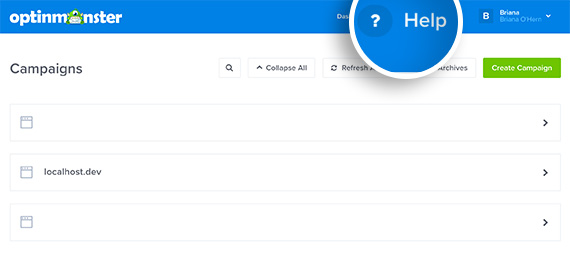
- Log into your OptinMonster account and select the Help link at the top of the Dashboard.

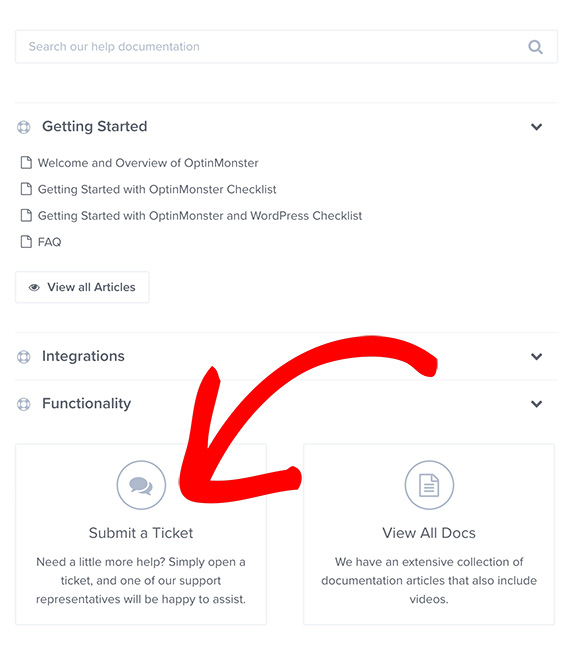
- Next, select Submit a Ticket at the bottom of the popup.

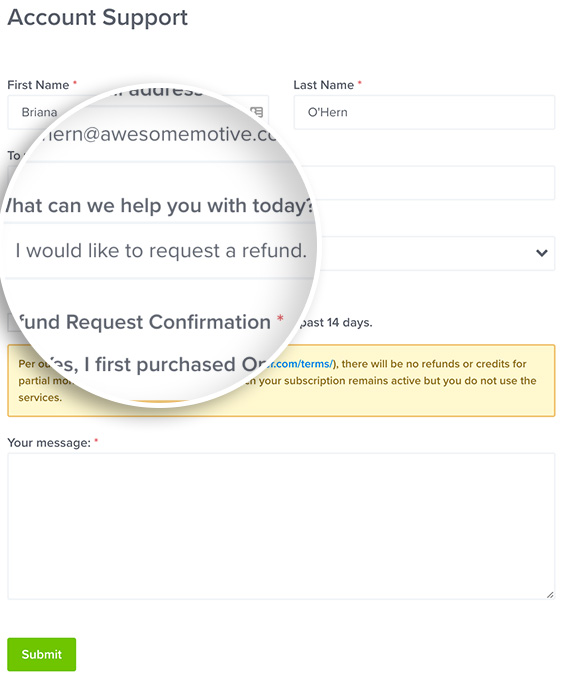
- When filling out the form, select I would like to request a refund from the What can we help you with today? dropdown. You can also include a message regarding why you would like a refund. We really value your feedback!

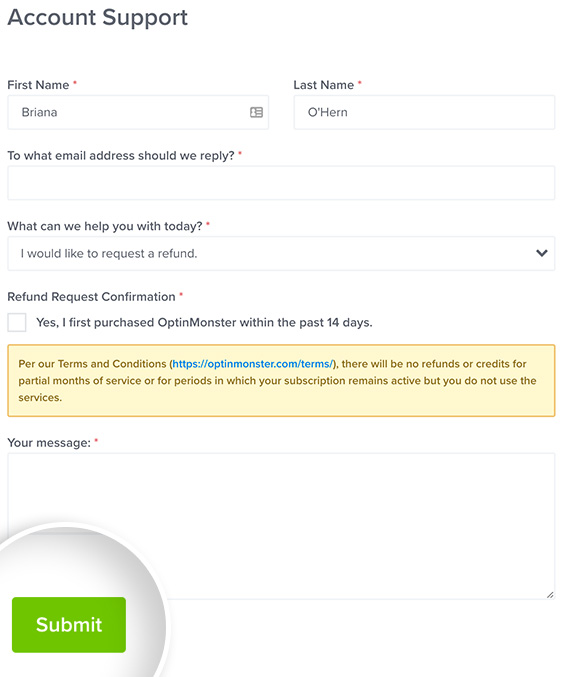
- When you’re finished, select the Submit button to send your request.
- We’ll receive your request and follow-up by email during normal support hours.
Important:
If you do not receive an email follow-up within 24-48 hours please re-submit your request to be sure there was no issue with the submission.
Troubleshooting
If I buy an annual subscription but want to cancel after a few months can I get a prorated refund?
No. Refunds are processed only within 14-days of the purchase transaction as outlined in our terms.
If you only plan to use OptinMonster for a few months a better option would be to subscribe to a monthly plan.
If my subscription expires will all of my campaigns and data be deleted?
To ensure your campaign data is not lost we recommend Archiving your account.